
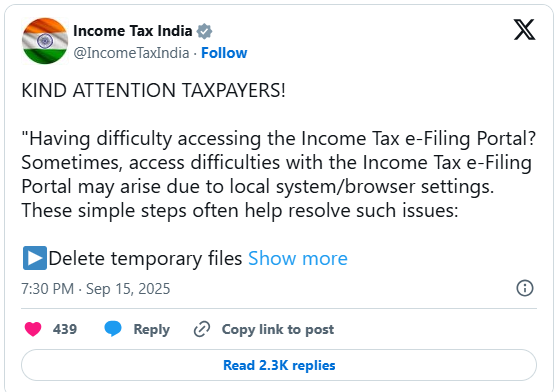
Sometimes, access difficulties with the Income Tax e-Filing Portal may arise due to local system/browser settings. These simple steps often help resolve such issues
▶️Delete temporary files → Press Win + R → type temp and %temp% → delete all files.
▶️ Clear browser cache & cookies → Go to Browser Settings → Clear browsing data (cache + cookies)
▶️ Use a different/supported browser → Latest version of Chrome or Edge.
▶️ Open in Incognito/Private Mode → Shortcut: Ctrl+Shift+N OR Ctrl+Shift+P (Firefox
▶️ Disable browser extensions → Especially ad-blockers or privacy tools.
▶️ Update your browser → Ensure you are on the latest version.
▶️ Try a different network → Switch to another Wi-Fi or mobile hotspot.
Following these checks usually resolves most local access-related difficulties. For further support, please connect with us through our official helpdesk/contact channels.

Share this content: